Welcome to NeuroPilot
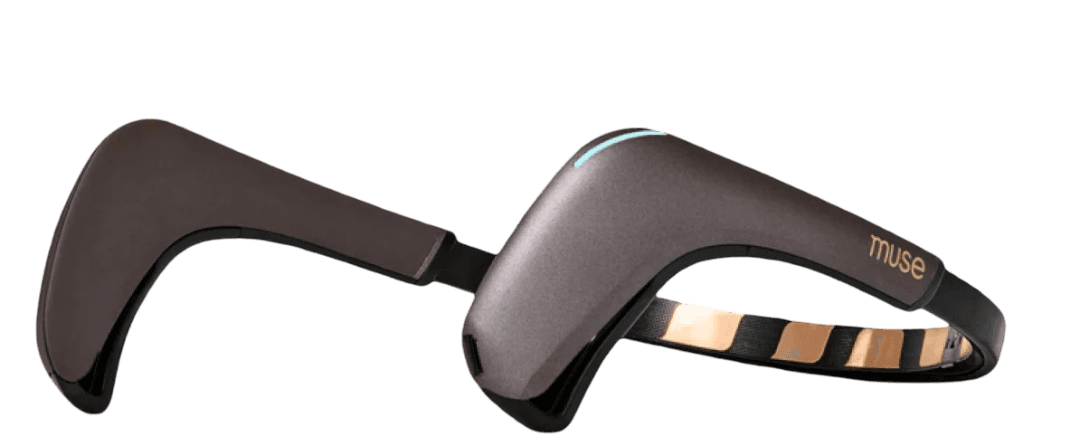
Use your Muse 2 to stream EEG to the backend; the app shows live brainwave data. Practice in the Lab (3D simulation), record training sessions, bind them to machine controls, then trigger webhooks from the machine page or with your brainwaves to fly a real DJI Tello (takeoff, land, move).
Step 1: Install and Start Muse Streamer
Install the platform-specific tool and start streaming EEG from your Muse 2. Keep it running for the next steps.
Windows 10 - BlueMuse:
Installation:
- Download the BlueMuse installer and open the BlueMuse folder.
- Run the Windows installer (launch the installer as Administrator).
- If the installer fails, try the alternate installer included in the same folder.
Starting BlueMuse:
- Open BlueMuse from the Start menu or launch the installed app
- Ensure your Muse 2 headband is powered on and in pairing mode
- BlueMuse will automatically detect and connect to your Muse 2 device
- Verify the connection by checking that EEG data is streaming in BlueMuse
Mac (M1/M2) - muselsl:
Installation:
- Navigate to:
Mac - Install muselsl:
python3 -m pip install -r requirements.txt - Install LSL library:
conda install -c conda-forge liblsl -y(for arm64 compatibility)
Starting muselsl:
- Start the muselsl streamer (follow the muselsl README for exact commands on your machine).
- Ensure your Muse headband is powered on and in pairing mode.
- muselsl will search for and connect to your Muse device via Bluetooth.
- Keep the streamer running while using the app so EEG data is available.
- See the Muselsl README for detailed setup instructions specific to your OS.
Both BlueMuse (Windows) and muselsl (Mac) stream data to LSL, which our app reads via WebSocket.
Platform support: Both BlueMuse (Windows) and muselsl (Mac M1/M2) are fully working and tested. The FastAPI backend automatically detects Mac and configures the LSL library for arm64 compatibility.
Step 2: Run NeuroPilot and Connect Muse 2
Start the NeuroPilot backend and frontend, then connect your Muse 2 so the app shows live EEG.
- Start the NeuroPilot backend (e.g.
_backend, port 8000). - Start the frontend (e.g.
_frontned,npm run dev, port 3000). - With the Muse streamer running (Step 1), put on your Muse 2 and connect it in BlueMuse or muselsl.
- Open EEG Device Calibration in the app to confirm live brainwave data from the backend.
If you use muselsl on Mac and the backend did not auto-connect to the stream, call POST /eeg/reconnect after the streamer is running.
Step 3: Practice and Train in Simulation, Then Bind Controls to DJI
Use Lab for 3D simulation, record Training sessions, then bind those sessions to machine controls for the DJI Tello.
- Open Lab, start listening, and practice controlling the 3D character with your brainwaves (simulation only).
- Open Training and record one or more sessions for the actions you want (e.g. takeoff, land, forward).
- Go to Machines, create or select a machine, and add control buttons (takeoff, land, forward, etc.).
- Bind each recorded Training session to the matching control (e.g. session “takeoff” → takeoff control). You will set each control’s webhook URL in Step 4.
Brainwave Controls (Lab):
- • Delta (deep focus): Move up (Power > 1M)
- • Theta: Move left (Power > 200k)
- • Alpha: Move right (Power > 200k)
- • Beta: Move down (Power > 100k)
Step 4: Run DJI Backend and Set Webhooks on Bind Controls
Start the DJI backend, connect to Tello Wi‑Fi, then set the webhook URL on each bound control.
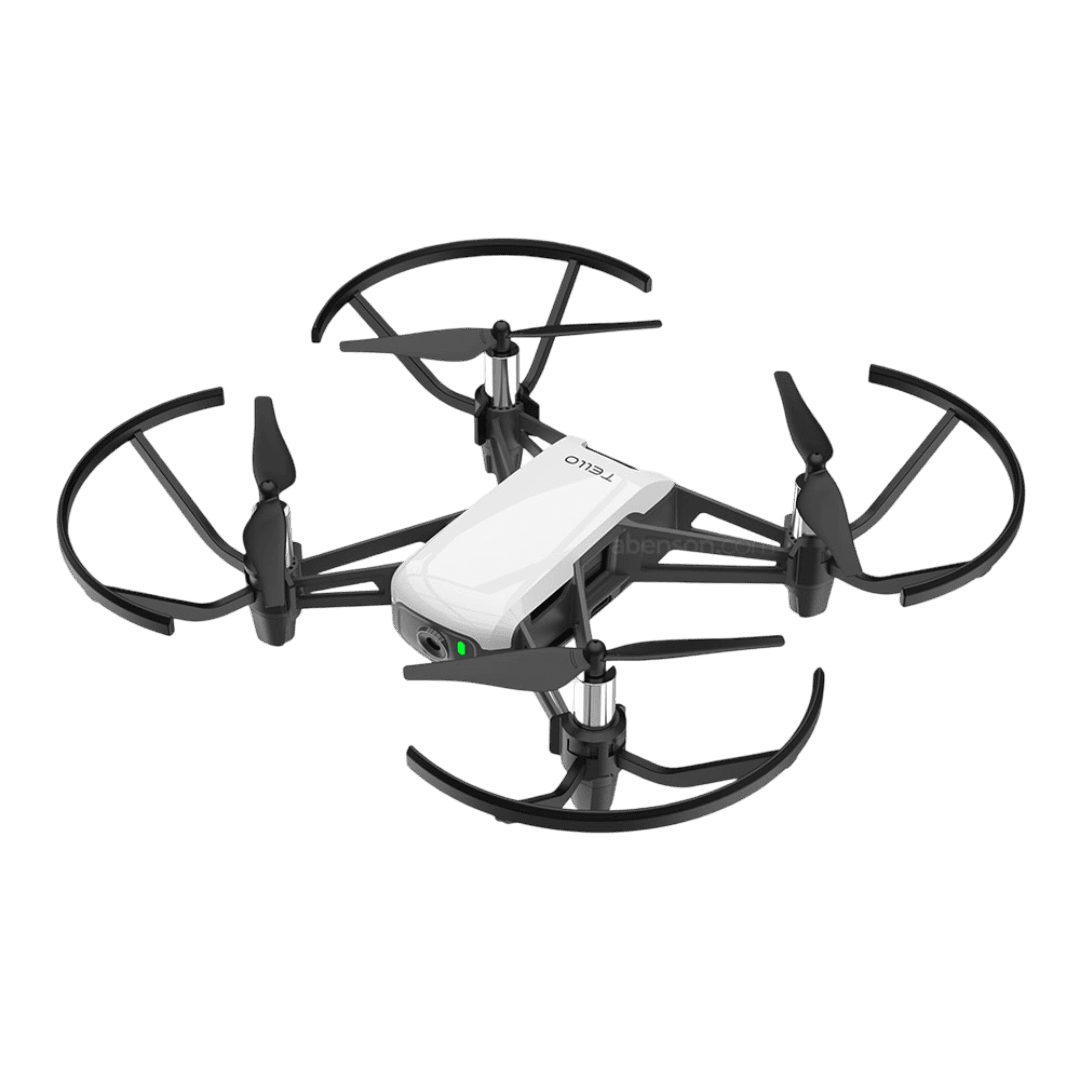
- Power on the Tello and connect your laptop to Tello Wi‑Fi (SSID e.g. "TELLO‑...").
- Start the DJI backend (e.g.
python3 webhook_server.pyindji_backend). It listens athttp://localhost:8888/commandand forwards commands to the Tello via UDP. - In Machines, open your machine and edit each control (takeoff, land, forward, etc.). Set the webhook URL to
http://localhost:8888/commandand save. - Optional: on the machine page, click a control’s webhook button to test — the NeuroPilot backend POSTs to the DJI backend and the Tello should takeoff, land, or move.
The frontend never calls 8888 directly; the NeuroPilot backend (port 8000) proxies webhook calls to the DJI backend.
Step 5: Connect with DJI and Tello — Brainwave Triggers Webhook
Open Connect on the machine page with the DJI backend and Tello running; when your brainwave matches a bound control, the backend calls the webhook and the Tello responds.
- Ensure the DJI backend is running and the Tello is connected (Step 4), and that your Muse 2 and NeuroPilot backend are running (Steps 1–2).
- Go to your machine page and click Connect to open the Connect view (live status and optional Tello camera).
- Start listening so the backend uses your live EEG. When your brainwave pattern matches a control you bound in Step 3, the backend fires that control’s webhook.
- The NeuroPilot backend POSTs to
http://localhost:8888/command; the DJI backend sends the command to the Tello. The real drone takes off, lands, or moves.
Safety: use small distances, keep line-of-sight, and be ready to land if the drone misbehaves.
Troubleshooting
Muse streamer not connecting? Check that your Muse is charged and in pairing mode. Restart BlueMuse (Windows) or muselsl (Mac) if needed.
No EEG data? Verify your streamer (BlueMuse or muselsl) is running and connected. Check console for error messages.
Machine not responding? Ensure your machine is properly configured in the Machines page and that training sessions are bound to controls.
WebSocket errors? Make sure the FastAPI backend is running on http://localhost:8000